Editing Vendors
Open any vendor from the vendor list to view and update their details.
Walkthrough
Step 1 of 3Find the vendor
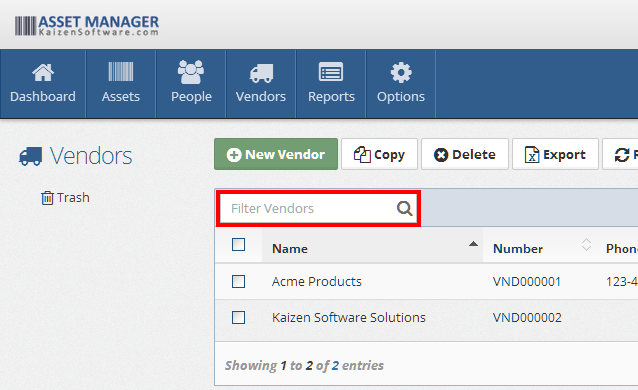
Use the search or filters on the vendor list to find the vendor you want to edit.
General Tab
Update any of the vendor's fields — name, contact information, and address. See Adding Vendors for a description of each field.
Vendor Assets
This tab shows all assets associated with this vendor through the Purchasing tab. It provides a quick way to see everything your organization has purchased from or serviced by this vendor.
From this tab you can:
- Click an asset to open its detail record.
- See the purchasing details for each asset.
Notes, Files, and History
Like asset and people records, vendor records include:
- Notes — Free-form rich text notes (e.g., contract terms, account details).
- Files — Attached documents (e.g., contracts, invoices, service agreements).
- History — A read-only log of all changes to this record.